

QuickBooks
The QuickBooks connector makes it easy to bring your QuickBooks data into Marquis IQ for reporting and analysis. Your financial data is loaded into Marquis IQ and can be viewed alongside additional ERP, CRM, and other operational data in one place.
Multiple instances of QuickBooks? No problem. Marquis IQ provides the best option for bringing them together into a single, consolidated view through one tool.
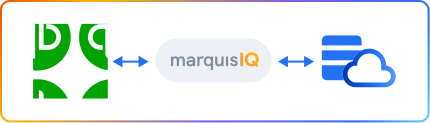
QuickBooks is an accounting software commonly used as the financial system of record for small and mid-sized businesses.
Why Connect QuickBooks to Marquis IQ

Bring in all your QuickBooks data (Accounts, Invoices, Bills, Customers, Vendors, Transactions, etc.) alongside ERP, CRM, and other systems.
Stop wasting time loading exports, build your Excel pivots and charts once, refresh anytime for ultimate efficiency.
Bring in all standard and custom fields into your data for unlimited analysis.
Empower your analysts with seamless compatibility across enterprise BI platforms. PowerBI? Yes. Tableau? Of course.
Combine financials from QuickBooks with operational and CRM data for comprehensive KPIs across your business.
No more wrestling with exports, CSVs, or mismatched formats. Marquis IQ cleans, normalizes, and enriches QuickBooks data automatically, ready for dashboards, analytics, and AI-powered insights.
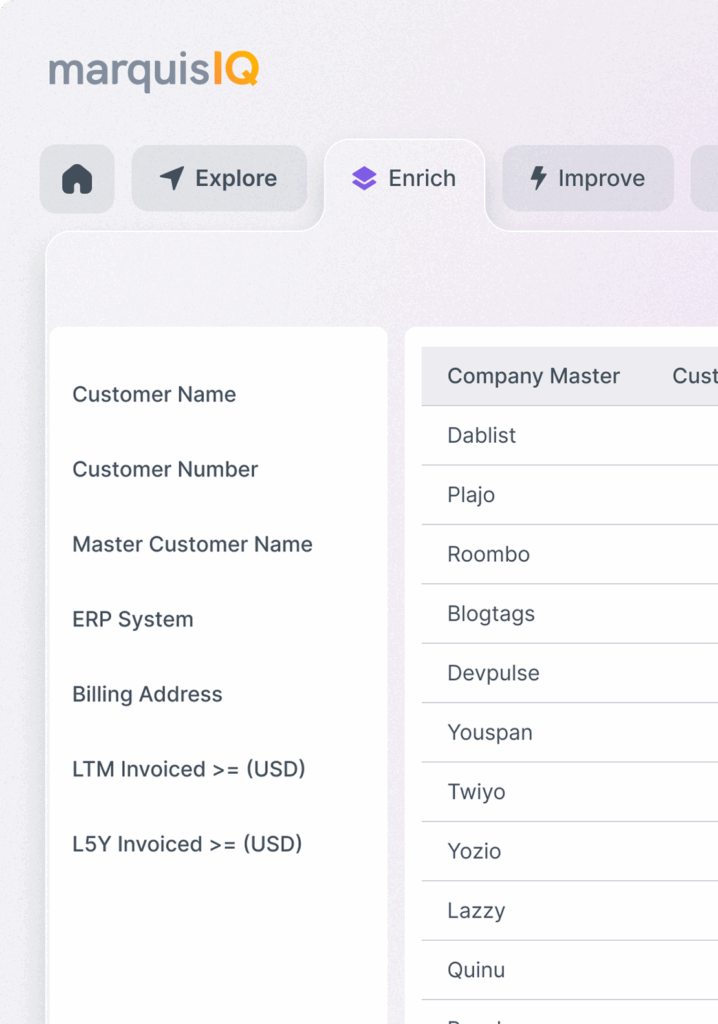
The connector supports common QuickBooks data, including chart of accounts, customers, vendors, invoices, bills, payments, transactions, journal entries, and company metadata.
Data flows from QuickBooks into Marquis IQ. Syncs run on a schedule and use incremental updates to keep data current. Historical data is retained so you can report across time periods.
Connector Features
The QuickBooks connector is available as part of the Marquis IQ platform.
Contact Marquis Data to learn more about connector availability and configuration options.